
You ask a language model where a landmark is located. It gives the wrong city. You can change the prompt, add a reference document or train it on better examples. But can you look inside the model, find the computation involved and change it directly?
Our recent weight-space programming article explored the possibility of working directly with neural-network weights. The practical next question is which tools let a person investigate a model today, and what evidence they provide before an edit.
There are useful tools for each stage. You can search descriptions of internal features, see which features activate on your text, follow connections between them and test changes to the computation. Permanently updating the model is a separate step, with a separate set of methods and tests.
The most useful visualization connects an internal measurement to an experiment you can repeat.
What are you actually looking at?
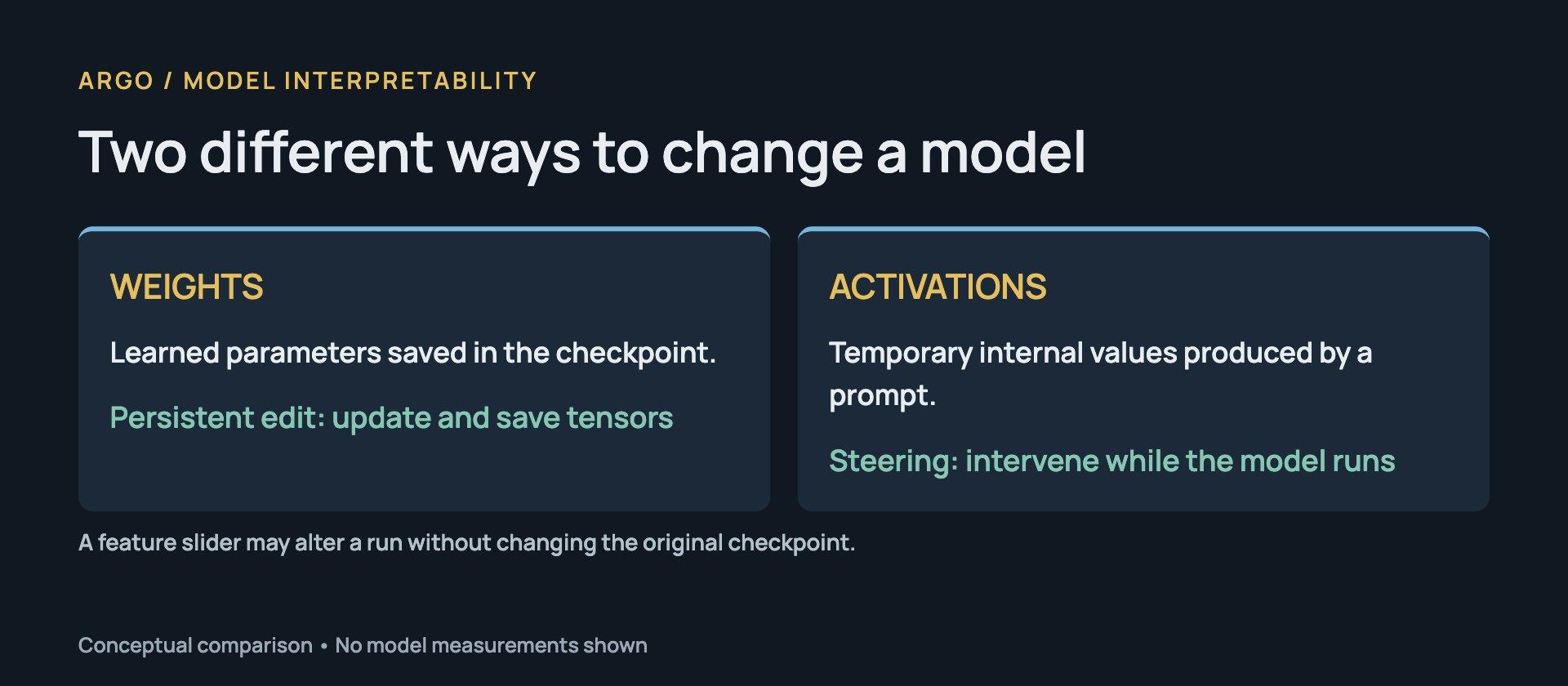
A model's weights are learned numbers saved in its checkpoint. Its activations are temporary numbers produced while it processes your prompt. Changing the first can alter the saved model. Changing the second alters a particular run unless you preserve and reapply the intervention.
Think of the weights as the settings of a machine and the activations as readings while it operates. The analogy has a limit: a neural network's settings interact, and a concept does not generally have one dedicated dial.
This distinction explains why a slider labeled with a concept can change an answer without rewriting the original weight file. The slider may amplify a direction in the model's temporary internal state.
Before interpreting a complex model, it helps to watch a smaller one execute. Transformer Explainer runs GPT-2 in the browser and connects custom inputs to attention and next-token predictions. It lets you follow actual computation while learning the architecture.
For a focused view of how attention heads connect tokens, BertViz provides interactive displays. These views answer a narrower question than a full explanation of why the model produced a particular answer.
How do you search for a concept inside a model?
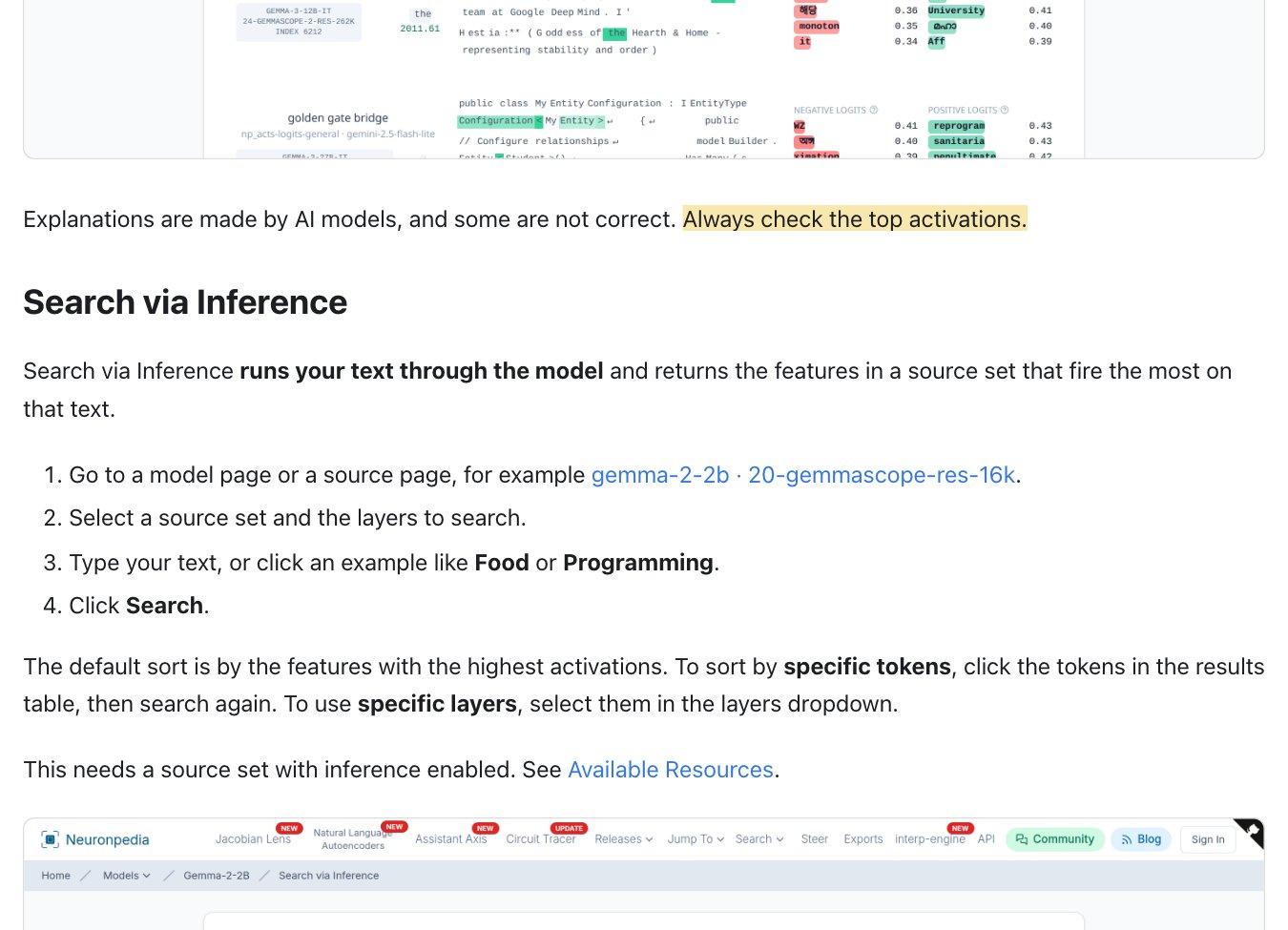
Neuronpedia is a useful starting point. You can search feature descriptions, run text through a supported model to find strongly activated features, or inspect the top features for individual tokens.
A feature is a pattern in the model's internal activity. Many of the features in this workflow come from a sparse autoencoder, an auxiliary model that learns a dictionary of directions for reconstructing activations. It tries to describe an example using relatively few active dictionary entries.
That gives researchers a different set of coordinates for examining the model. A feature might respond to geographical names, a programming pattern or a family of related contexts. It need not correspond to a single original neuron.
The search description is a clue. Read the activation examples to see what actually triggers the feature. Neuronpedia explicitly warns that its AI-generated explanations can be incorrect. A label such as “city names” could hide a narrower pattern, or combine several contexts that need more investigation.
Try a sentence containing the concept, then a minimally changed version without it. Inspect which token positions activate the feature. Include examples that should match your interpretation and examples that should not. Inference-based experiments depend on the selected source having inference enabled; the resource documentation explains that boundary.
If you want to investigate a local model, SAELens supports loading, training and analyzing sparse autoencoders, with feature dashboards through SAE-Vis. A pretrained dictionary is a practical first step before taking on dictionary training yourself.
How do you test whether a feature matters?
A feature activating on a sentence establishes an association. To investigate its role in producing an answer, change the computation and measure what happens.
With activation steering, you amplify or suppress a selected internal direction during inference. Compare the output with the unchanged baseline, across several strengths and several prompts. A single striking generation can suggest an experiment, but it provides little information about consistency.
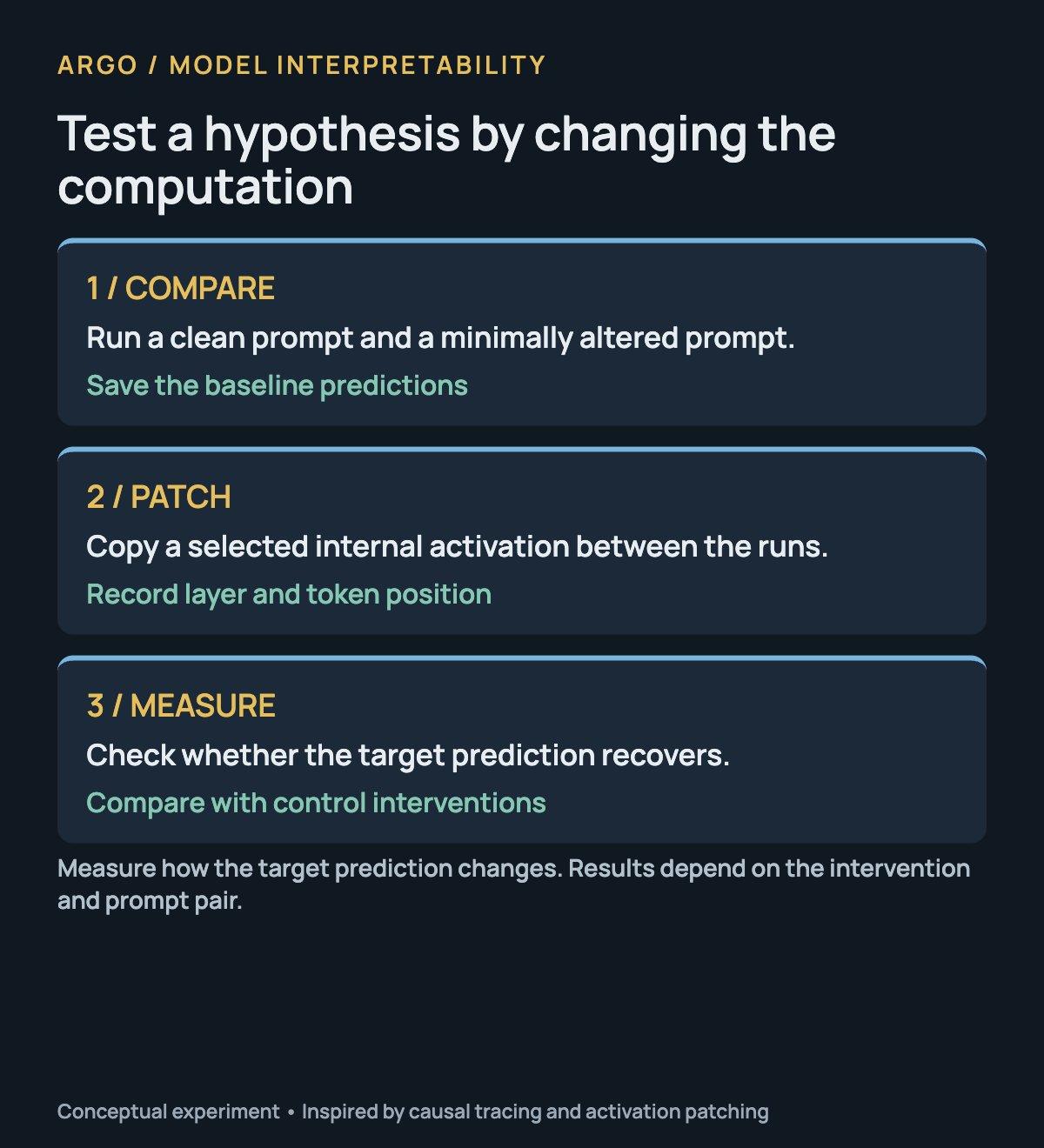
Activation patching tests a different question. Run a clean prompt and an altered prompt. Then copy an internal value from the clean run into the altered one. If the target prediction recovers, that component carries relevant information under the intervention you chose.
The choice matters. Suppressing a value to zero, replacing it with an average and borrowing it from another prompt create different conditions. Record what you changed, at which layer and token position, and how you measured the result.
TransformerLens, NNsight and pyvene provide infrastructure for inspecting and intervening in model execution. They are tools for building experiments. You still need to define the question and controls.
For a complementary view, the tuned lens decodes intermediate hidden states into vocabulary distributions using learned probes. It can show how a prediction becomes visible across layers. Treat the display as a measurement through those probes, then test consequential interpretations against the model's computation.
What does a circuit visualization add?
Individual features can reveal patterns, but an answer usually depends on interactions. A circuit visualization tries to make those interactions inspectable.
Anthropic's Circuit Tracing method builds attribution graphs using an interpretable replacement for parts of the network. Cross-layer transcoders approximate MLP computations, providing features whose relationships can be displayed and investigated.
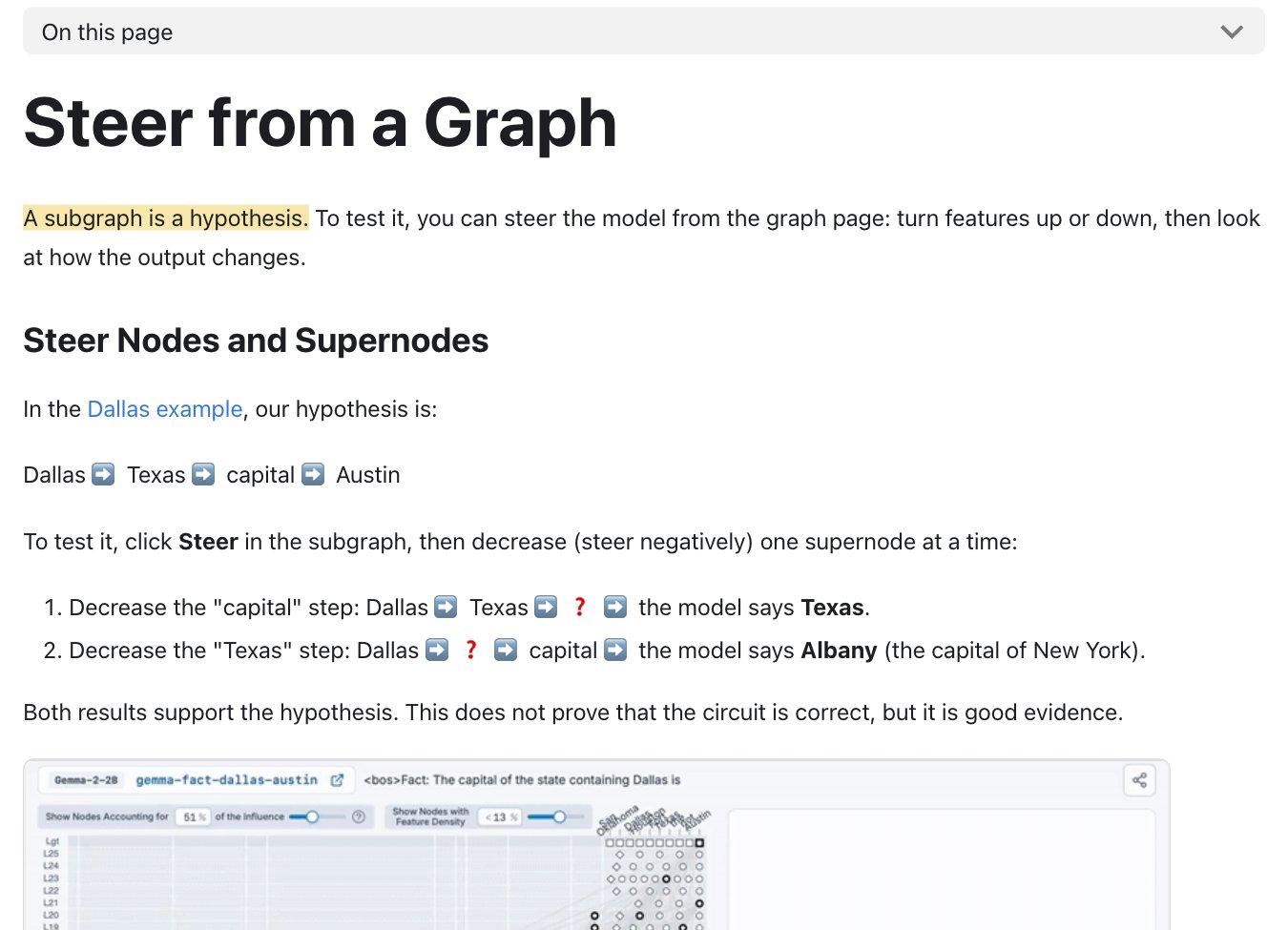
The replacement is an approximation. A subgraph is a hypothesis about mechanisms involved in a particular prompt, and its reliability depends on what the replacement captures. Interventions help test the proposed connections.
The open-source circuit-tracer library provides graph construction, visualization and intervention workflows. Check its available transcoders before choosing a model: being able to load a checkpoint does not establish that the required interpretation resources exist for it.
Neuronpedia also lets you steer features from a graph. That is a useful connection between seeing a proposed mechanism and testing it. The resulting change is evidence to assess, rather than automatic proof that every node and edge has been interpreted correctly.
Which tools permanently change model weights?
Persistent factual editing has its own research line.
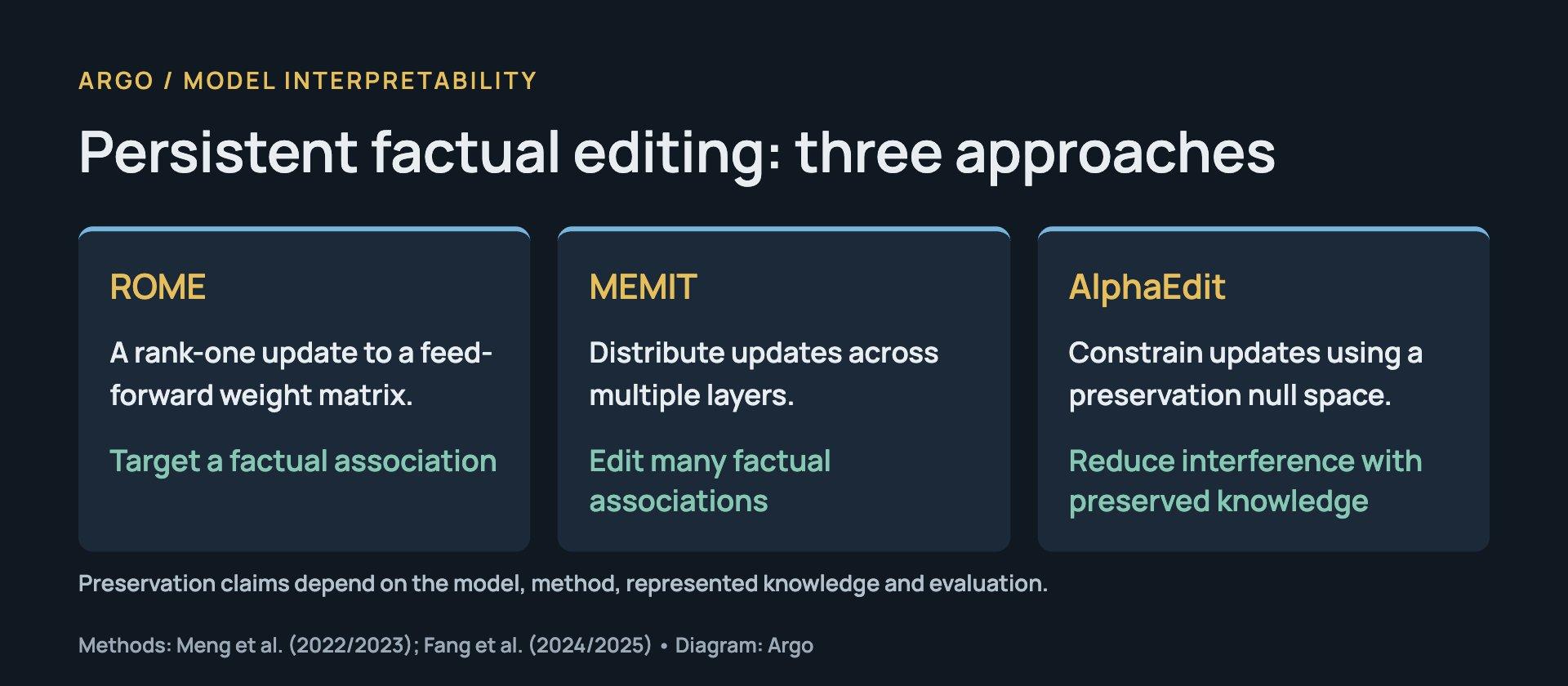
- ROME changes a factual association through a rank-one update to a feed-forward weight matrix. Its paper connects intervention-based investigation to direct parameter editing.
- MEMIT extends editing to many associations, distributing updates across layers. Its paper demonstrates batch updates on GPT-J and GPT-NeoX.
- AlphaEdit constrains updates using a null space derived from preservation knowledge. Its paper addresses interference with the representations being preserved. That preservation is conditional on the knowledge represented in the method.
EasyEdit provides a framework for comparing editing approaches and evaluating their effects. Check what each method changes: a framework can support parameter editors alongside approaches with different mechanisms.
The interface language can be confusing. Goodfire's Ember SDK offers semantic feature search and controls for shaping outputs through a hosted service. Adjusting a feature's steering coefficient is a different operation from changing a tensor in the base checkpoint. Open-source client code also does not make the whole hosted system locally reproducible.
The clearest way to describe an experiment is to name what changed: activations, an auxiliary component, or base-model parameters.
Why doesn't finding a fact tell you where to edit it?
An internal location can matter to a computation without being the best place to modify the resulting behavior.
In Does Localization Inform Editing?, Hase and colleagues find that causal-tracing results do not identify the best MLP layer for overwriting a factual association in their tested setting. That challenges a tempting workflow: locate the brightest spot in a visualization, edit there and assume the rest follows.
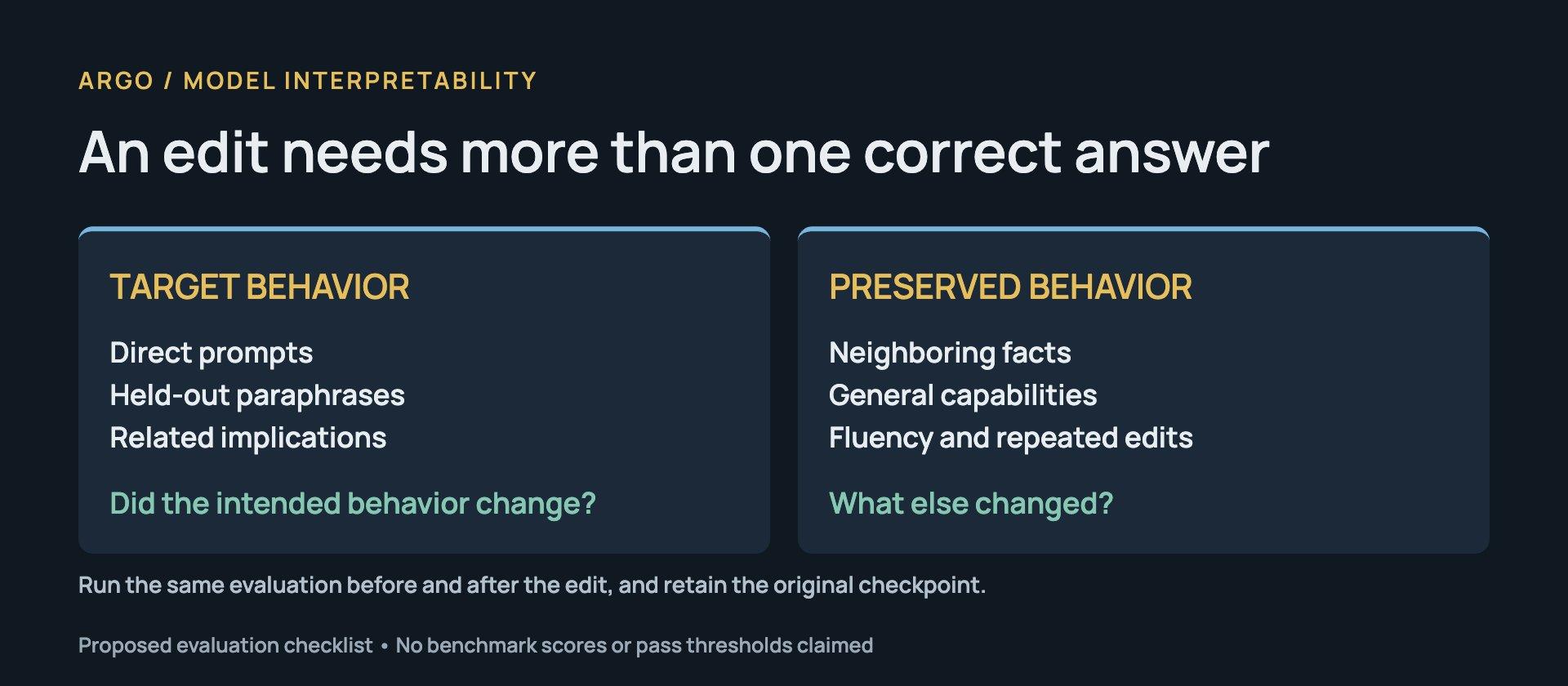
The edit needs its own evaluation. Does the answer change under paraphrases? Do neighboring facts survive? Does general language or reasoning performance deteriorate? Research on the general-capability effects of model editing shows why narrow factual success is insufficient.
A recent connection between the two fields is Circuit-Diff. It compares attribution graphs before and after a factual weight edit using the same frozen transcoder lens. Its released implementation helps investigate which features and connections changed.
The evidence is early: the paper reports causal patching on up to 24 CounterFact edits. Its interpretation depends on a successful edit and a lens that remains useful afterward. It offers a concrete way to investigate an edit's consequences, with those limits attached.
Where should you begin?
Start with one narrow question and a checkpoint supported by the tools you need. Record the exact model revision and prompts, and save the original checkpoint and baseline results before making changes.
Use Transformer Explainer to understand the computation. Use Neuronpedia to explore feature search and inspect activation examples. When you have a specific hypothesis, test it through patching or steering with recorded controls.
Move to persistent editing only when you can compare the target result with paraphrases, related facts and general capabilities. Keep the original checkpoint and a reproducible record of the update. A useful final view shows both the internal change and the behavior it produced.
Follow the research and practical experiments at Argo.